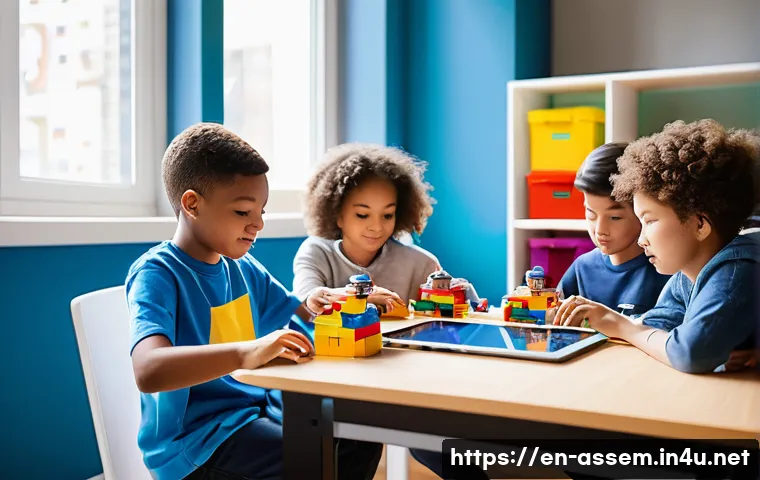
Learning basic programming through LEGO is an exciting way to combine creativity with critical thinking. By building and coding LEGO models, beginners can grasp fundamental concepts like sequencing, loops, and conditionals in a hands-on, engaging manner.
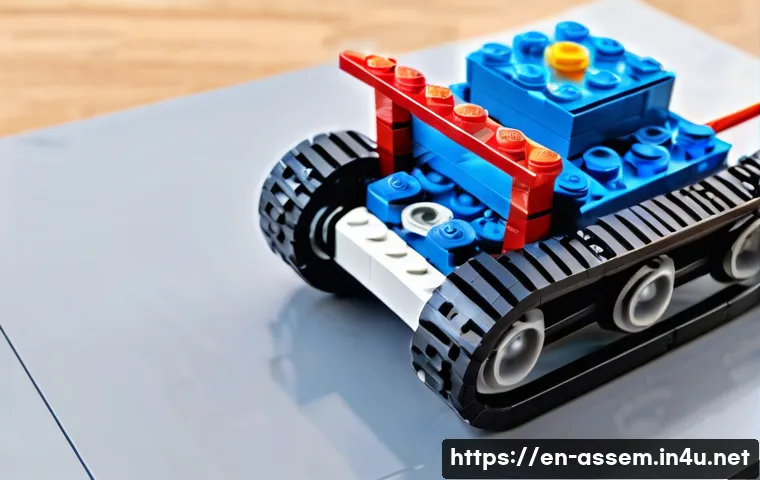
This approach not only makes abstract ideas more tangible but also sparks curiosity and problem-solving skills from an early age. Whether you’re a parent, teacher, or self-learner, LEGO-based programming offers a playful gateway into the world of coding.
Let’s dive deeper and explore how this fun method can lay a strong foundation for future tech skills. I’ll guide you through the details ahead!
Unlocking Logical Thinking Through Play
How Building Translates to Code
Playing with LEGO bricks isn’t just about snapping pieces together — it’s about understanding how parts fit in a logical sequence to create something bigger.
When kids or beginners build a LEGO model, they’re essentially following a step-by-step plan, much like writing lines of code. This hands-on assembly helps learners internalize the concept of sequencing, where the order of instructions matters.
It’s fascinating how physically manipulating bricks can cement the idea that one action depends on the previous one, a fundamental notion in programming logic.
Loops Made Tangible
Loops often sound intimidating in coding discussions, but with LEGO, they become much easier to grasp. Imagine programming a motorized LEGO vehicle to move forward repeatedly or blink lights in a pattern.
By setting a simple instruction to “repeat this action,” beginners see loops in motion — literally. This real-world demonstration of repeating tasks not only clarifies the concept but also makes it memorable.
Through trial and error, learners discover how loops reduce redundancy and make code efficient, all while staying engaged in a playful environment.
Conditionals Through Interactive Feedback
Conditionals, the “if-then” statements that guide decisions in code, come alive when LEGO models respond to sensors. For example, a LEGO robot programmed to stop or turn when it detects an obstacle teaches learners about decision-making processes.
This interaction bridges abstract concepts with immediate cause-and-effect experiences. It’s rewarding to witness how pressing a button or triggering a sensor changes the model’s behavior, reinforcing how conditions steer program flow and adapt responses dynamically.
Bridging Creativity and Computational Concepts
Encouraging Experimentation Without Fear
One of the greatest advantages of learning programming through LEGO is the freedom to experiment. Since LEGO bricks are physical and forgiving, mistakes become part of the learning journey rather than setbacks.
This contrasts with traditional coding environments where errors might cause frustration. Here, learners can tweak their models, adjust code blocks, and instantly see the outcomes.
This iterative process nurtures a growth mindset, making beginners comfortable with trial, error, and refinement — essential skills for any coder.
From Imagination to Execution
LEGO’s open-ended nature fuels creativity that naturally extends into programming challenges. When learners design their own robots or contraptions, they must plan not only the structure but also how to control it through code.
This dual focus sharpens problem-solving skills as they figure out how to translate imaginative ideas into executable commands. The satisfaction of watching a self-built robot perform tasks sparks motivation and deepens engagement with programming principles.
Collaboration and Communication Skills
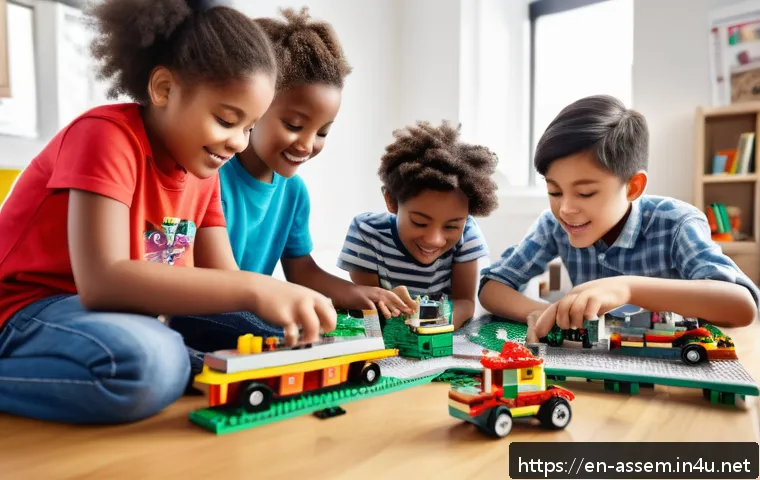
Learning with LEGO often happens in groups, whether in classrooms or clubs. This social aspect encourages sharing ideas, discussing strategies, and troubleshooting together.
Collaborating on LEGO programming projects mirrors real-world software development, where teamwork and communication are key. Through this, learners gain interpersonal skills alongside technical knowledge, preparing them for future environments that value both.
Visual Programming Languages and LEGO Integration
Block-Based Coding Platforms
To complement the tactile nature of LEGO, many educational kits use block-based programming interfaces like Scratch or LEGO’s own software. These platforms allow beginners to drag and drop coding blocks, making the syntax accessible and less intimidating.
Visual cues and color-coded commands reduce cognitive load, helping learners focus on logic rather than memorizing complex code. This intuitive approach accelerates understanding and keeps enthusiasm high.
Transitioning to Text-Based Coding
After mastering the basics through visual blocks, learners can gradually move to traditional text-based programming languages like Python or JavaScript.
This progression is smoother because they’ve already grasped core concepts in a friendly environment. The confidence gained from successfully controlling LEGO models motivates learners to tackle syntax and debugging challenges in real code editors.
This pathway bridges playful learning with serious coding skills development.
Real-World Applications and Robotics
LEGO robotics kits, such as Mindstorms or Spike Prime, provide a gateway to real-world applications of programming. These kits combine sensors, motors, and programmable bricks, allowing learners to build robots capable of complex behaviors.
Programming these robots introduces concepts like event handling, sensor integration, and algorithm design. Experiencing robotics firsthand connects theoretical knowledge with tangible outcomes, making STEM fields approachable and exciting.
Developing Problem-Solving Skills Naturally
Identifying and Debugging Issues
When LEGO creations don’t behave as expected, learners are naturally driven to investigate why. This debugging process mirrors what programmers do daily — identifying errors and fixing them.
Because the consequences are immediate and visible, it’s easier to understand what went wrong. Whether a robot doesn’t move or a sensor triggers incorrectly, learners develop patience and analytical thinking by systematically testing and adjusting their code.
Breaking Down Complex Tasks
LEGO projects encourage breaking large problems into smaller, manageable parts. For instance, building a robot that navigates a maze involves separate challenges: construction, sensor programming, and movement control.
Learners tackle each piece step-by-step, practicing decomposition — a key programming strategy. This habit of chunking tasks supports clearer thinking and efficient coding, skills that serve well beyond LEGO projects.
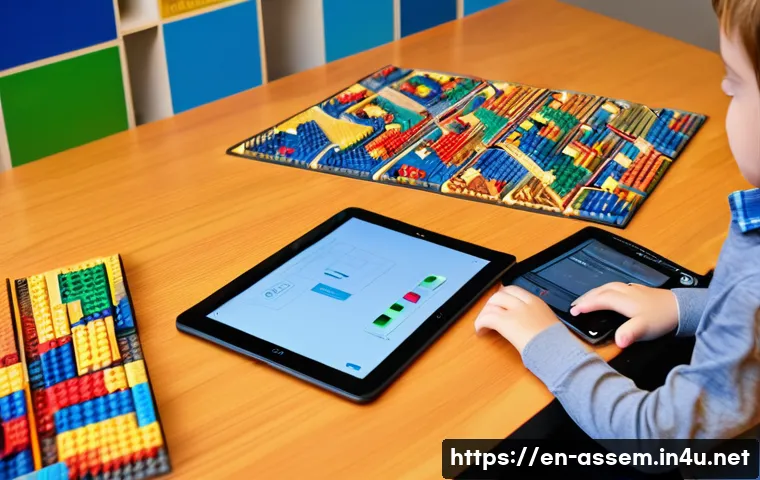
Encouraging Persistence and Resilience
Programming with LEGO is rarely perfect on the first try. The iterative nature of designing, coding, testing, and refining fosters resilience. Facing setbacks becomes an opportunity to learn rather than a discouragement.
This mindset is invaluable in technology fields, where perseverance often determines success. Watching a robot finally complete its course after multiple attempts delivers a rewarding sense of achievement that motivates continued learning.
Understanding Core Programming Concepts Through Hands-On Learning
Sequencing and Execution Order
Programming fundamentally depends on the order of commands. LEGO teaches this by requiring builders to follow steps in sequence to achieve a functioning model.
Learners see firsthand how changing the order of instructions affects outcomes, reinforcing the importance of execution flow. This physical sequencing experience creates a solid foundation for understanding more abstract code structures later.
Utilizing Loops and Repetition
Loops reduce repetitive tasks in programming. LEGO projects often incorporate repeated motions, such as spinning wheels or flashing lights. By programming these actions once and instructing the model to repeat them, learners grasp loop efficiency.
The immediate visual feedback strengthens comprehension and appreciation for how loops simplify complex behaviors.
Conditional Logic and Decision Making
Conditionals guide programs to make decisions based on inputs or states. LEGO models equipped with sensors can respond differently depending on conditions — like stopping when detecting an obstacle.
This interaction helps learners internalize “if-then” logic by observing cause and effect in real time. Such hands-on experience deepens understanding far beyond theoretical explanations.
Comparing Programming Tools in LEGO Education
| Tool | Ease of Use | Programming Style | Best For | Limitations |
|---|---|---|---|---|
| LEGO Mindstorms EV3 | Moderate | Block-based & Text-based | Intermediate learners, robotics enthusiasts | Hardware cost, learning curve for text coding |
| LEGO Spike Prime | Easy | Block-based (Scratch-like) | Beginners, classrooms | Less flexible for advanced coding |
| Scratch with LEGO | Very Easy | Block-based visual coding | Young beginners, introductory coding | Limited hardware integration |
| Python with LEGO | Challenging | Text-based | Advanced learners, transitioning to real coding | Requires prior coding knowledge |
How LEGO Programming Prepares Learners for the Future
Building a Growth Mindset Early
Starting with LEGO programming cultivates confidence and curiosity, essential traits for lifelong learning. Early success in controlling models encourages learners to explore further challenges without fear.
This positive attitude toward problem-solving carries over to future tech education and careers, where adaptability and resilience are prized.
Fostering Interdisciplinary Skills
Programming LEGO isn’t just about coding — it integrates engineering, design, math, and even storytelling. Learners practice spatial reasoning while designing structures, apply measurement and timing in coding, and communicate ideas when collaborating.
This multidisciplinary exposure mirrors real-world STEM projects and prepares learners to tackle complex problems creatively.
Inspiring Future Innovators
Many tech innovators started with simple, playful explorations like LEGO. Engaging with programming through bricks plants the seeds of innovation by making technology approachable and fun.
It sparks a passion that can grow into careers in software development, robotics, AI, or engineering. By connecting play with purpose, LEGO-based learning lights the path toward exciting technological futures.
글을 마치며
LEGO programming offers a unique blend of play and learning, making complex coding concepts accessible and enjoyable. Through hands-on experiences, learners develop critical thinking, creativity, and collaboration skills that extend far beyond the bricks. This playful approach not only builds a solid foundation in programming but also inspires confidence and curiosity for future technological challenges.
알아두면 쓸모 있는 정보
1. LEGO programming kits often include both block-based and text-based coding options, allowing learners to progress at their own pace.
2. Visual programming platforms like Scratch reduce the intimidation factor for beginners by using colorful, drag-and-drop coding blocks.
3. Integrating sensors and motors with LEGO models helps learners understand real-time feedback and conditional logic through interactive play.
4. Group LEGO projects foster teamwork and communication, key skills for collaborative tech environments.
5. Persistence through trial and error with LEGO programming builds resilience, a vital trait for success in technology fields.
중요 사항 정리
LEGO programming bridges creativity and computational thinking by providing an engaging, hands-on way to learn coding fundamentals. It encourages experimentation without fear of failure, supports the development of problem-solving skills, and promotes a growth mindset. The combination of visual and text-based programming tools ensures a smooth transition toward advanced coding, preparing learners for real-world STEM challenges and future careers.
Frequently Asked Questions (FAQ) 📖
Q: How does learning programming with LEGO help beginners understand coding concepts better?
A: Learning programming through LEGO makes abstract coding ideas much easier to grasp because it turns them into physical, interactive activities. When beginners build and program LEGO models, they see sequencing in action as they arrange steps, understand loops by repeating actions, and explore conditionals by making decisions based on certain triggers.
This hands-on approach keeps things fun and engaging, which helps learners stay motivated and absorb concepts more naturally compared to just reading or watching videos.
Q: What age group is best suited for starting programming with LEGO?
A: LEGO programming is great for kids as young as 6 or 7, but it really shines for elementary and middle school students. At this stage, children have developed enough fine motor skills to build models and enough logical thinking to start understanding basic programming ideas.
That said, even older beginners or adults new to coding can benefit because it breaks down complex ideas into simple, enjoyable tasks. It’s all about making learning accessible and fun, regardless of age.
Q: Do I need any prior coding experience to start programming with LEGO?
A: Not at all! One of the best things about LEGO programming is that it’s designed for absolute beginners. The software and kits often use visual, block-based coding languages that don’t require typing syntax, which lowers the barrier to entry.
You can jump right in, experiment, and learn through trial and error without feeling overwhelmed. Personally, I found that starting without any background made the learning curve feel smoother and more encouraging.